Virtual CAN-BUS simulator (Virtual ECU)

While developing some monitoring applications for a Raspberry-Pi car computer, I found that writing code on my laptop while sitting in the front seat of my car is not the most productive way to do things. What's needed is some sort of virtual ECU, and i have just the solution.
In short my solution is this:
- Take a can recording of the car starting up and running for a little while
- Create a virtual can network device
- replay the recording on an infinite loop
- package it up nicely so that I can start the simulation on demand
Record Some Data
This may be different for other cars but for my disco 3, I need to wait 5 minutes after turning the car off for the ECU to go to sleep. Once the ECU is asleep I start the recording.
candump can0 -lI start the car and let it run for 5 minutes or so, later on I’ll redo this and take the car for a spin around the town but for now this is enough for me. so I
CTL-Cthe recording and I get a file namedcandump-2020-04-14_202239.log. I rename this to something with a little more meaning (“candump-landrover-discovery-3-vcan0.log”)Configure Virtual CAN device
The vcan device is basically another network device so configuring it is pretty straight forward.
sudo modprobe vcan
sudo ip link add dev vcan0 type vcan
sudo ip link set up vcan0
Replay CAN Recording
Now i just need to replay my recording back into vcan0.
canplayer -I candump-landrover-discovery-3-vcan0.log -l i vcan0=slcan0By default canplayer will replay the file via the same device that it was captured on (
slcan0). to get around this i need to specify thevcan0as new device, hencevcan0=slcan0Create cansim service
Finally I want to be able to start the simulation on demand. I do this by creating a systemd service config
sudo vim /lib/systemd/system/cansim.service
[Unit]
Description=Canbus simulator
After=network.target

[Service]
Label=cansim
Type=exec
Environment=CANDATA=/mnt/DATA/sharedfolder/candump-landrover-discovery-3-vcan0.log
Environment=LOG_INTERFACE=slcan0

ExecStartPre=modprobe vcan
ExecStartPre=-ip link add dev vcan0 type vcan
ExecStartPre=ip link set up vcan0
ExecStart=canplayer -I $CANDATA -l i vcan0=${LOG_INTERFACE}

ExecStop=/bin/kill -s TERM $MAINPID
PIDFile=/run/cansim/cansim.pid
TimeoutStopSec=0
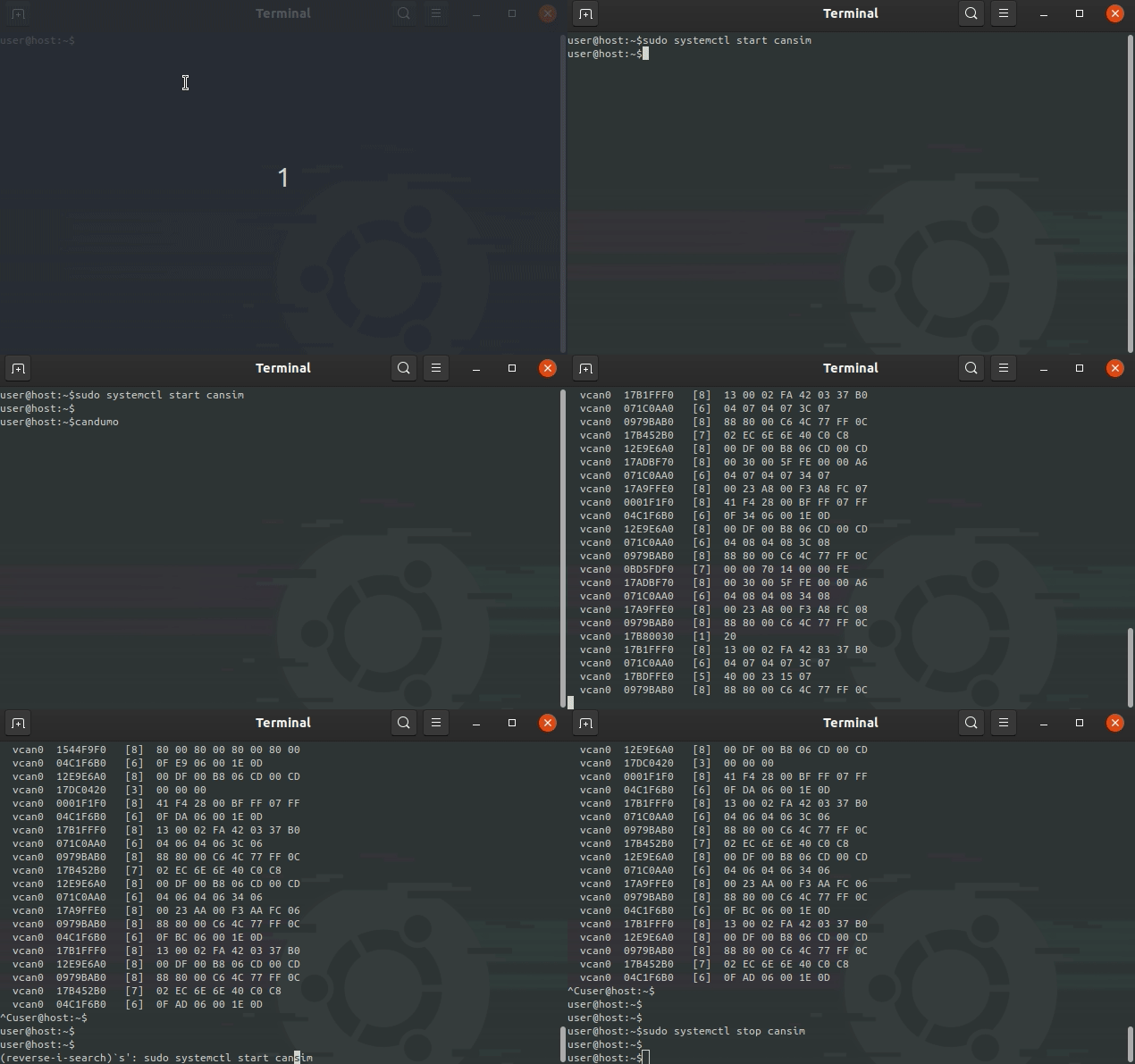
Now I can start the simulation whenever I need it with
systemctl start cansim
Comments
Join the discussionNo comments yet. Be the first to comment.


